How much computer does it take to press F2?
A $42 box lets you press F2 on a machine fifty miles away. Following one HDMI frame through a pair of ESP32 microcontrollers, and what that says about how little computer a remote console now needs.
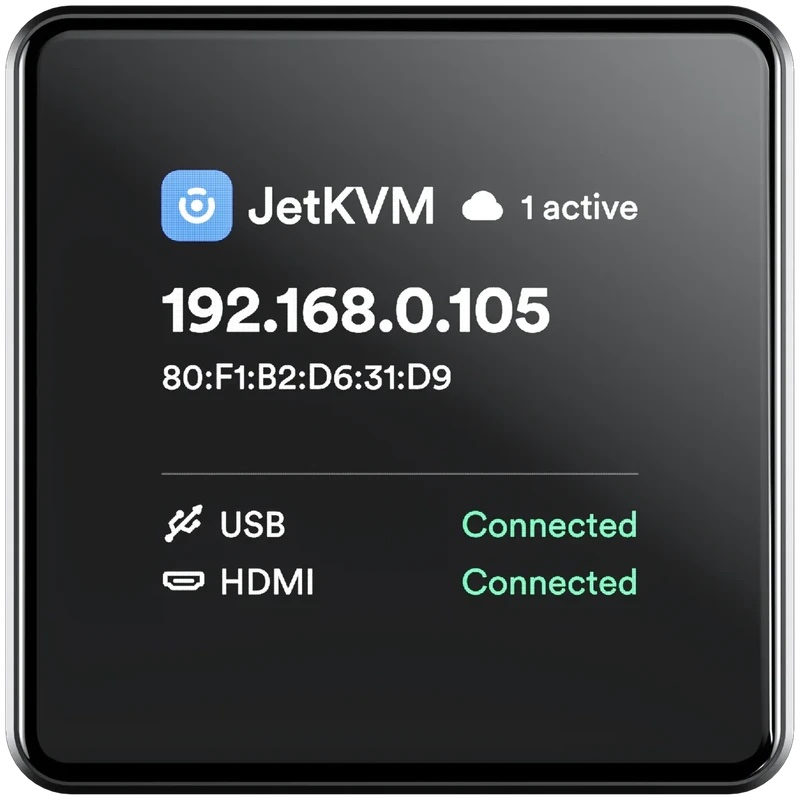
One of my favorite moments in computing lasts about two seconds. A machine has power, the monitor has finally decided to show a picture, and somewhere in the corner it says “Press F2 to enter setup.” If you’re sitting in front of it, that’s easy enough. If the machine is at home and you’re fifty miles away, you have a small distributed systems problem.
The JetKVM Mini W solves it for $42. Plug the box into HDMI and USB, open a browser, and you can watch the machine boot and press the key yourself. The wired Mini is $39. What caught my eye was the parts list. The wireless model runs the device side of that session end to end on a pair of ESP32 microcontrollers. I wanted to know where all the pixels go.
Follow one frame
The first chip to see the picture is a Toshiba TC358743. It receives HDMI from the computer and sends the pixels to an ESP32-P4X over MIPI CSI, a camera interface. I like that detail. As far as the capture side of the microcontroller is concerned, the BIOS setup screen might as well be coming from a camera pointed at something unusually boring.
The numbers get interesting here. At 1920 × 1080 and 30 frames per second, about 62 million active pixels arrive every second. For a sense of scale, represent each pixel with two bytes and you get roughly 124 MB/s, or almost a gigabit per second, before any transport overhead. That’s an illustrative raw format. The wired Mini has a 100 Mbps Ethernet port. You can see why the placement of the encoder matters just by looking at those two numbers.
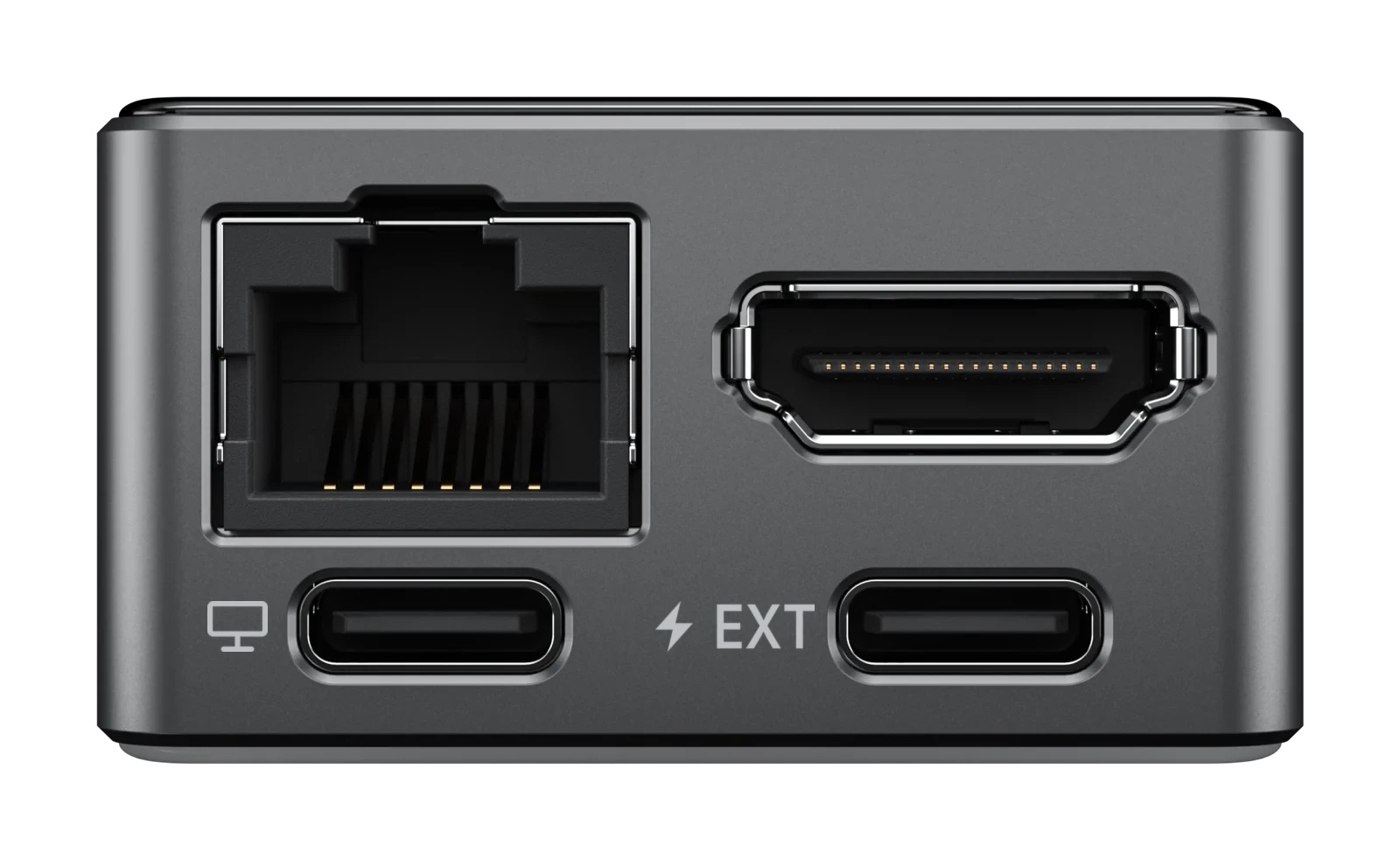
The P4X has two 400 MHz RISC V cores, 32 MB of PSRAM, and a hardware H.264 encoder. At the same illustrative pixel size, one frame occupies about 4 MB. A few extra frame buffers would take a noticeable bite out of the whole machine. The hardware encoder gives the design a practical way to turn that local flood of pixels into a stream suitable for WebRTC. On the Mini W, an ESP32-C5 connected over SDIO handles the radio. The box also serves the web interface you opened to see the picture.
Now follow F2 in the other direction. Your browser reports the keypress. The P4X presents itself to the target as a USB keyboard. The firmware on the target already knows what to do with one of those. The same trick extends to storage: the Mini can present a disk image from its card or a URL as virtual media. So if the boot screen tells you the OS is broken, you can give the machine something else to boot. That’s quite a bit of leverage from two familiar ports.
What happened to the Raspberry Pi?
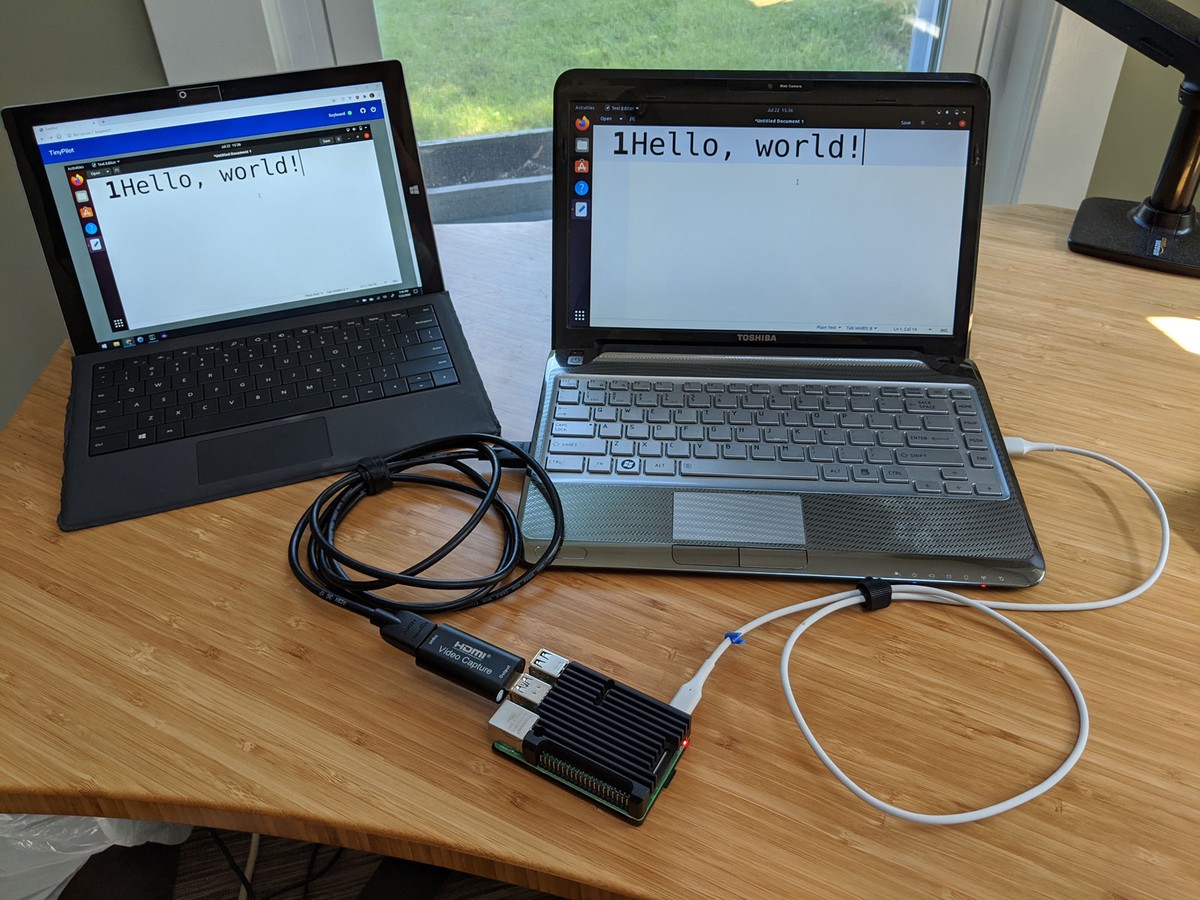
In 2020, Michael Lynch published the original TinyPilot build. For under $100 in parts, you could put a Raspberry Pi 4 next to a server, plug in an HDMI capture dongle, and make the Pi act as a USB keyboard. One particularly nice decision was to let the capture dongle produce Motion JPEG and pass those frames along. Even with a whole Linux computer on the board, it paid to ask which chip had already done the expensive work.
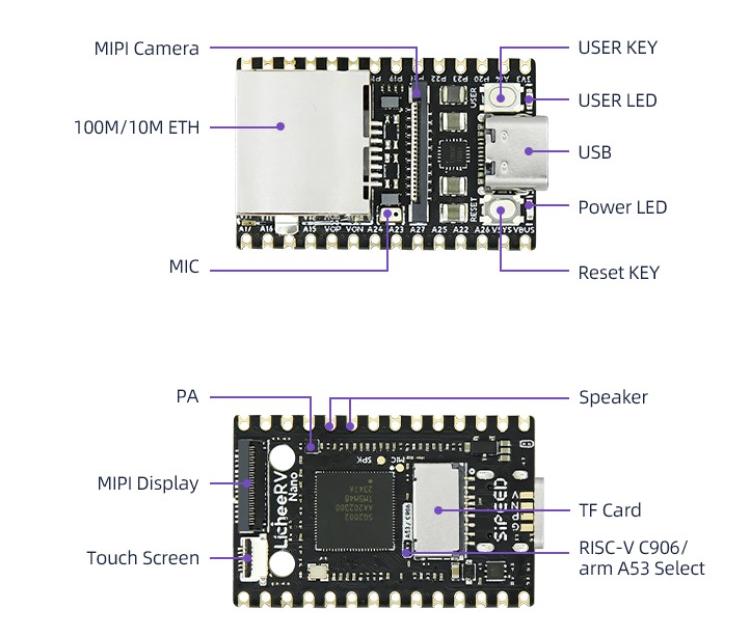
Sipeed’s NanoKVM took another route. Its LicheeRV Nano board measures about 23 × 36 mm and carries an SG2002 processor with a camera input. You still have an embedded Linux system, but the computer at the center of the KVM is already small enough to lose under a couple of cables. JetKVM’s Mini takes the next architectural step. FreeRTOS runs the appliance, the encoder handles the pixel rate, and the browser at the far end supplies the screen and much of the user interface machinery.
This is the part of the MCU trend I find interesting. A faster core helps, but doubling the clock would be a pretty roundabout way to get HDMI into a browser. Give a microcontroller a camera input, a video encoder, and a USB controller that can impersonate a keyboard, and suddenly a whole product fits. Some of the progress is in the silicon. Some of it happened years ago, when enough people agreed on what a keyboard looks like over a wire.
When I wrote A Network That Can Wait, I kept coming back to a quiet assumption in our software: the other machine is reachable right now. A remote console exposes a smaller assumption. Usually, to ask a computer what’s wrong, we need a fair amount of that computer to be working. Here the target only has to put a picture on HDMI and listen to a keyboard. I like tools that give you somewhere to stand when the thing you’re fixing can’t help you.
I still think the component count can come down. On the wireless board, the first boundary I’d revisit is the SDIO link between the P4X and the C5. A future MCU with this video hardware and an integrated radio could take one major package off the board while leaving the firmware architecture recognizable. I’d keep the Toshiba bridge for now. An HDMI receiver earns its footprint in a KVM, and plenty of other products using the same MCU would have little use for one. Two main chips, a couple of cables, and I can get into the BIOS from fifty miles away. That feels like a good place to stop. At least until I see the next parts list.